Explain a site
Take a colleague or client from the broad survey to the detail, rather than leaving them to navigate an unfamiliar scan.
POINT CLOUD FLYTHROUGHS · WINDOWS + MAC
Turn a complex scan into a clear visual story. Author camera moves, reveal the geometry with lighting and colour, then capture a flythrough people can follow.
Native desktop app · PurpleGeo Pro $19.99/month · Local pricing and subscription terms are shown in your store.
FROM SURVEY TO PRESENTATION
A point cloud can explain a site in a way a plan or single screenshot cannot. Move the camera through the features that matter, and show the relationship between them.
Take a colleague or client from the broad survey to the detail, rather than leaving them to navigate an unfamiliar scan.
Choose colour and shaded Surface detail to make structures, terrain and edges easier to read.
Preview your route and record the result for presentations and project communication.
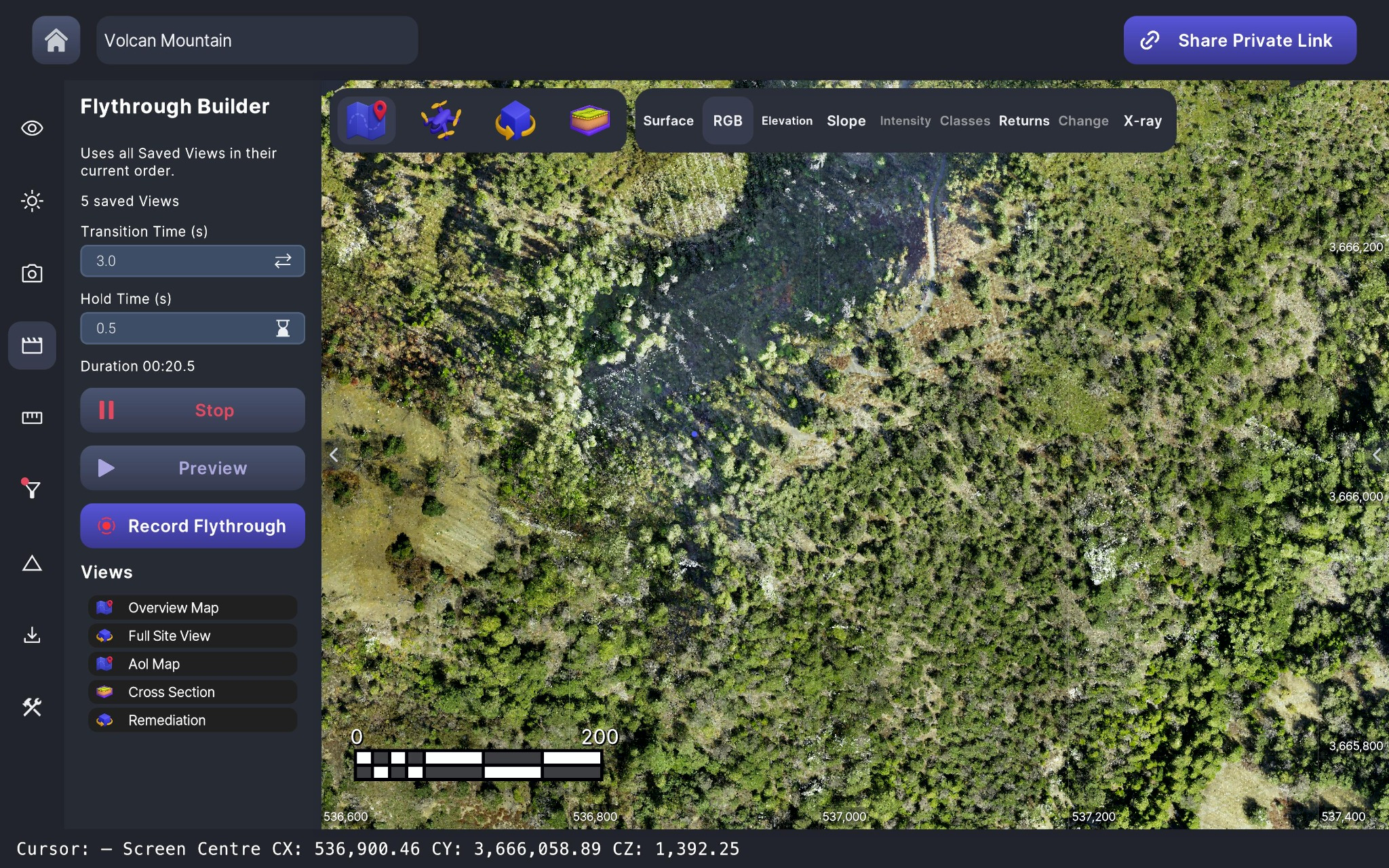
CHOOSE THE STORY, NOT EVERY FRAME
Save useful viewpoints, arrange the sequence and set the transitions. Preview the camera movement before recording the flythrough.
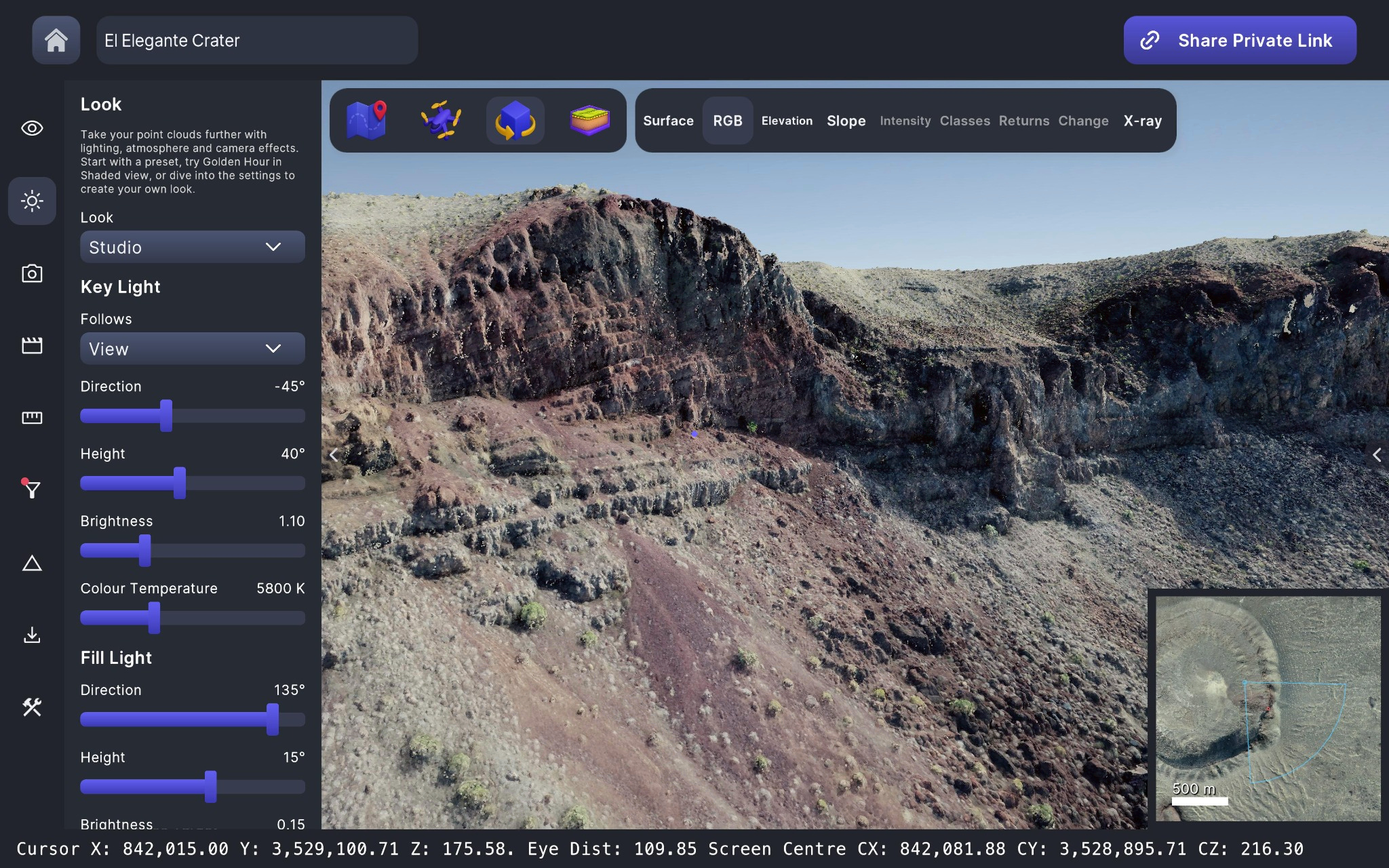
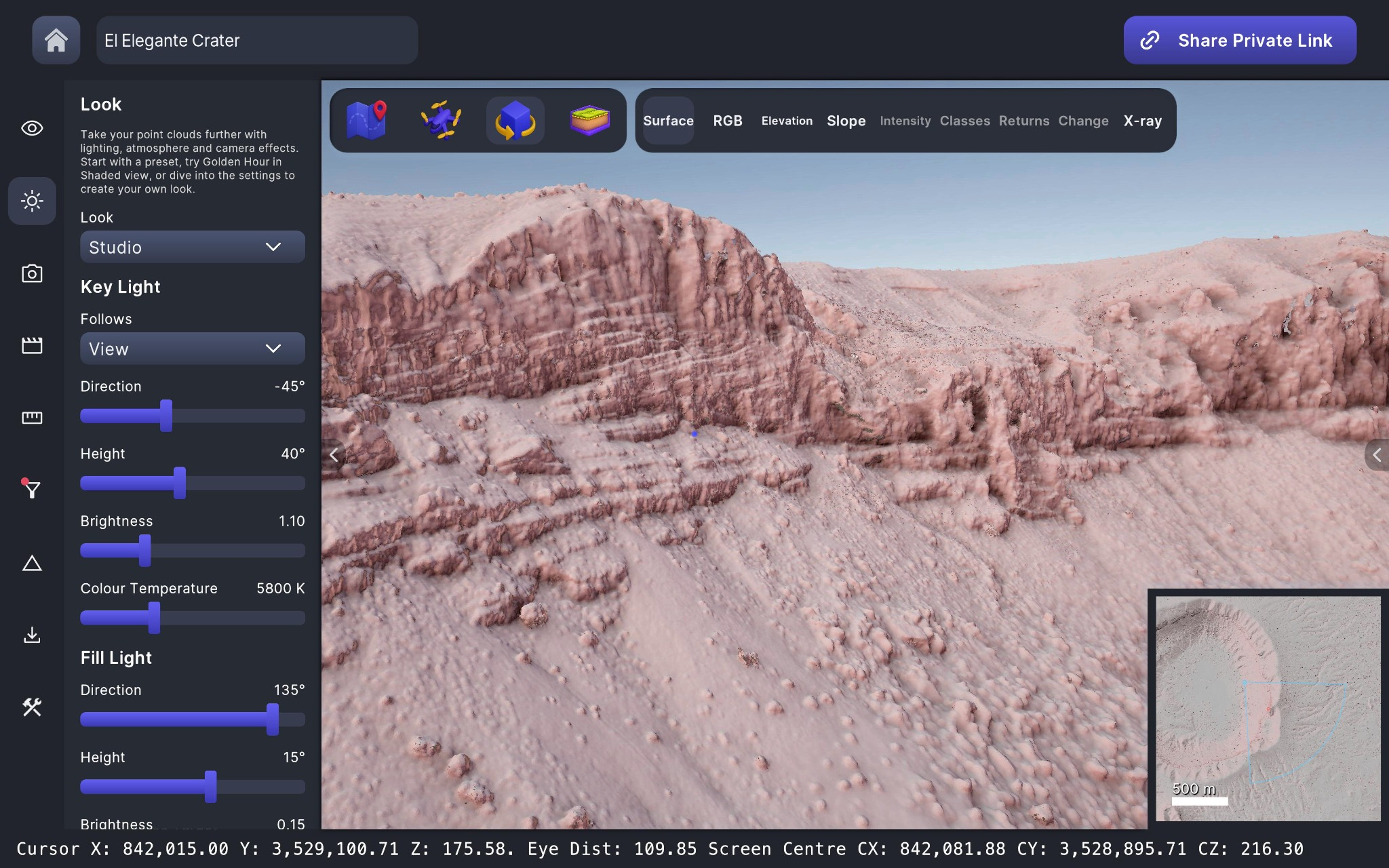
MAKE THE SHAPE READ CLEARLY
Blend original RGB with shaded Surface detail to choose the look that communicates your scan. Bring out the geometry without losing the context.
TURN YOUR SURVEY INTO SOMETHING PEOPLE CAN SEE
$19.99 / month
Your local store shows current pricing, availability and subscription terms before purchase.
Explore and inspect the same data you use to create your presentation. Camera authoring, display settings and movie capture stay in the workflow.
Already looking for a specialist point cloud visualization alternative? Judge PurpleGeo on your own data and the result you want to communicate.
No mandatory upload is needed to work with local data. Creating an online project share is a separate workflow that uploads project data for recipients.
Yes. The Mac App Store link remains available alongside the Windows download. Choose the version for the machine where you will work with your scans.
Yes. PurpleGeo also provides point cloud navigation, cross sections and measurements. Explore the inspection workflow.
SHOW YOUR WORK
Get PurpleGeo for the desktop where your scans live.
Windows installer supplied by Microsoft. Mac version available on the Mac App Store.